


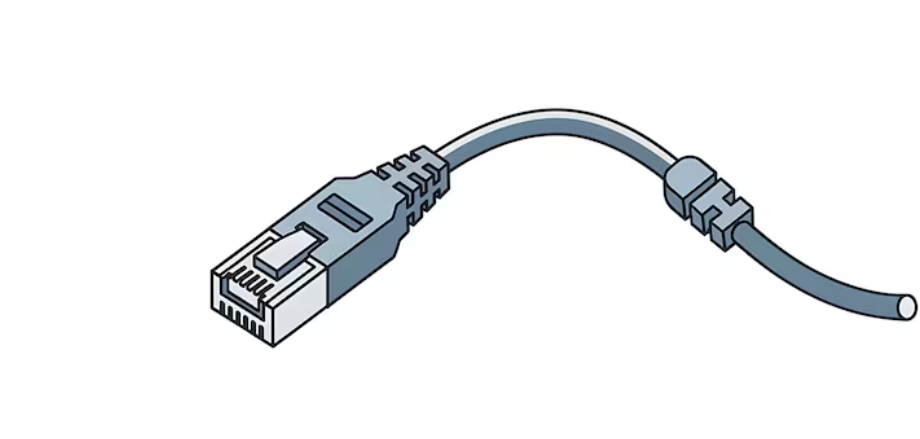
When working with network devices, having the right cable can make setup, configuration, and troubleshooting much easier. A USB to RJ45 console cable is commonly used to connect a computer to routers, switches, firewalls, and other networking equipment. However, not every cable offers the same compatibility, reliability, or performance. Choosing the right one requires attention to a few important features.
Check Device Compatibility
The first thing to consider is whether the USB to RJ45 console cable works with your networking equipment. RJ45 connectors are widely used, but console ports can use different pinouts and communication standards. Before buying, check the documentation of your router, switch, or other device.
It is also important to confirm the USB connection type supported by your computer. Some cables use USB-A, while newer computers may require USB-C. Choosing a cable that matches both devices can prevent unnecessary adapters and connection problems.
Consider the Chipset and Drivers
The chipset inside a USB to RJ45 console cable affects how well it communicates with your computer. Reliable cables often use well-supported chipsets that work with common operating systems. Before purchasing, check whether the cable supports your version of Windows, macOS, or Linux.
Some cables may require drivers before they can work correctly. A manufacturer that provides updated drivers and clear installation instructions can make the setup process much easier. Good driver support is especially useful when managing network equipment regularly.
Look at Cable Build Quality
Build quality is another important factor when selecting a USB to RJ45 console cable. A cable that is used frequently should be strong enough to handle regular plugging, unplugging, and transportation. Look for durable connectors, flexible but sturdy cable material, and proper strain relief around the ends.
A well-made cable is less likely to develop loose connections or internal damage over time. Although a cheaper option may seem attractive, poor construction can lead to connection failures and wasted time during network troubleshooting.
Check Cable Length
The right cable length depends on where you normally work with your networking equipment. A short cable can be convenient for connecting a laptop directly to a nearby switch or router. However, a longer USB to RJ45 console cable may be more useful when the equipment is installed in a rack or positioned farther away.
Avoid choosing a cable that is unnecessarily long because extra cable can become difficult to organize. At the same time, make sure it provides enough reach for comfortable use.
Think About Reliability and Performance
A USB to RJ45 console cable should provide a stable connection during device configuration. Interruptions can be frustrating, especially when making important changes to network settings. Look for products from reputable manufacturers with positive user feedback and clear technical specifications.
If you regularly manage multiple types of networking equipment, selecting a dependable cable with broad compatibility can also reduce the need to carry several different cables.
Conclusion
Choosing the right USB to RJ45 console cable can make network management simpler and more dependable. Before buying, check device compatibility, chipset and driver support, build quality, cable length, and overall reliability. A carefully selected cable can provide a stable connection and make configuring and troubleshooting network devices much easier.